Changelog

To update the theme check this article

Version 1.7.3

02 February 2026

Scroll Effects

Bring motion to your site with the new Scroll Effects feature. You can now apply dynamic, scroll-based transformations to elements, allowing you to create more engaging and interactive layouts. Available in Containers, Image and Auto Video elements. All directly inside the Elementor page builder.

Image link

We’ve prepared a comprehensive guide to help you get started with scroll effects:
Read the Scroll Effects Guide →

Global Templates

Create reusable content using the new Global Template type in the Theme Builder. You can insert global templates inside any page, edit them once, and have the changes reflected everywhere — making it easier to manage repeated content across your site.

Image link

We’ve prepared a comprehensive guide to help you get started with global templates:
Read the Global Templates Guide →

Added

  • New Global Template widget in Elementor
  • Disable Intro area background image animation option

Updated

  • Language translation files

Fixed

  • Transition image in dark mode
  • Minor bug fixes and stability improvements

Version 1.7.2

03 January 2026

New Template Carousel Element

Discover a new way to display content with the Template Carousel element.

This new element lets you create carousels using saved Elementor templates, unlocking entirely new possibilities for building custom carousels. Whether you’re designing card-based carousels, custom sliders, or complex layouts, you can now add any type of content inside a smooth, interactive carousel with drag animations and a modern, polished feel.

Image link

45 New Google Fonts

We’ve expanded the typography library with 45 newly added Google Fonts, giving you even more flexibility to match your brand and design style.

You now have access to 1,900+ Google Fonts directly inside the theme.

Image link

Advanced Custom Fields (ACF) Compatibility

pixfort Theme now supports Advanced Custom Fields (ACF) data inside Dynamic Tags and Page Templates, making it easier to build dynamic, content-driven layouts.

You can seamlessly use ACF fields to create more flexible designs and tailor content exactly to your needs.

Image link

Added

  • Custom HTML tag option for Feature element titles.
  • Optimized loading of the search field suggestions.

Fixed

  • Post type icon display issue in Safari browser

  • Minor bug fixes

Version 1.7.1

15 December 2025

Carousel Drag Scale Animation

Introducing the drag scale animation for carousels — a sleek and smooth effect that animates carousel items while dragging. This enhancement is available in all carousel elements, including blog, image, and video carousels, giving your layouts a more dynamic, modern feel.

Navigation Customization

Easily customize the carousel navigation buttons, including their color, size and position.

Image link

Gap Between Items

Set a custom responsive spacing between carousel items to better control layout and visual balance.

Image link

Added

  • Responsive option for the number of Carousel items per page.
  • Responsive option for the Carousel navigation buttons position.

  • Performance improvements across carousel animations.

Fixed

  • Minor bug fixes

Version 1.7.0

21 November 2025

New Law Firm Demo

Introducing the all-new Law Firm Demo — a sleek, professional design perfect for law firms, agencies, and corporate websites. Built with elegance and precision, it’s designed to showcase your services and team with confidence.

Image link

Key highlights include:

  • Dynamic Header Layout with a blurred background effect
  • Fully integrated Dark Mode system
  • Theme Switcher for toggling between light and dark modes
  • Popup Launcher with call-to-action links

Explore the Law Firm Demo →

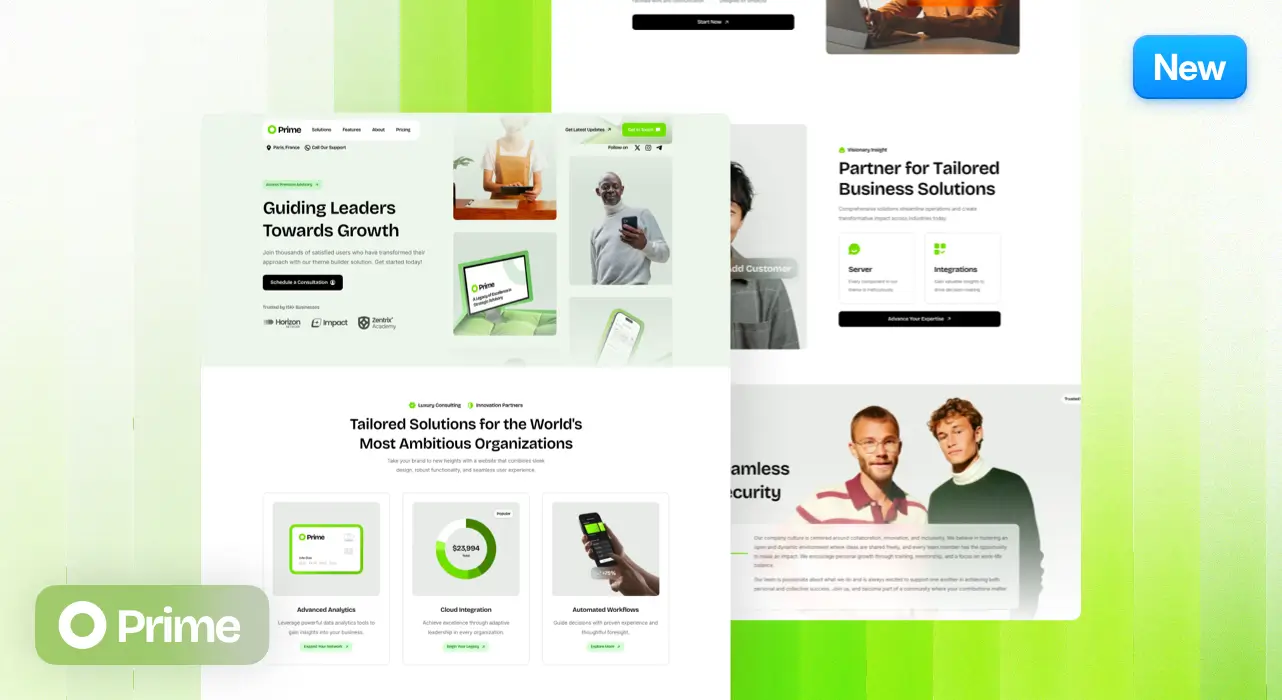
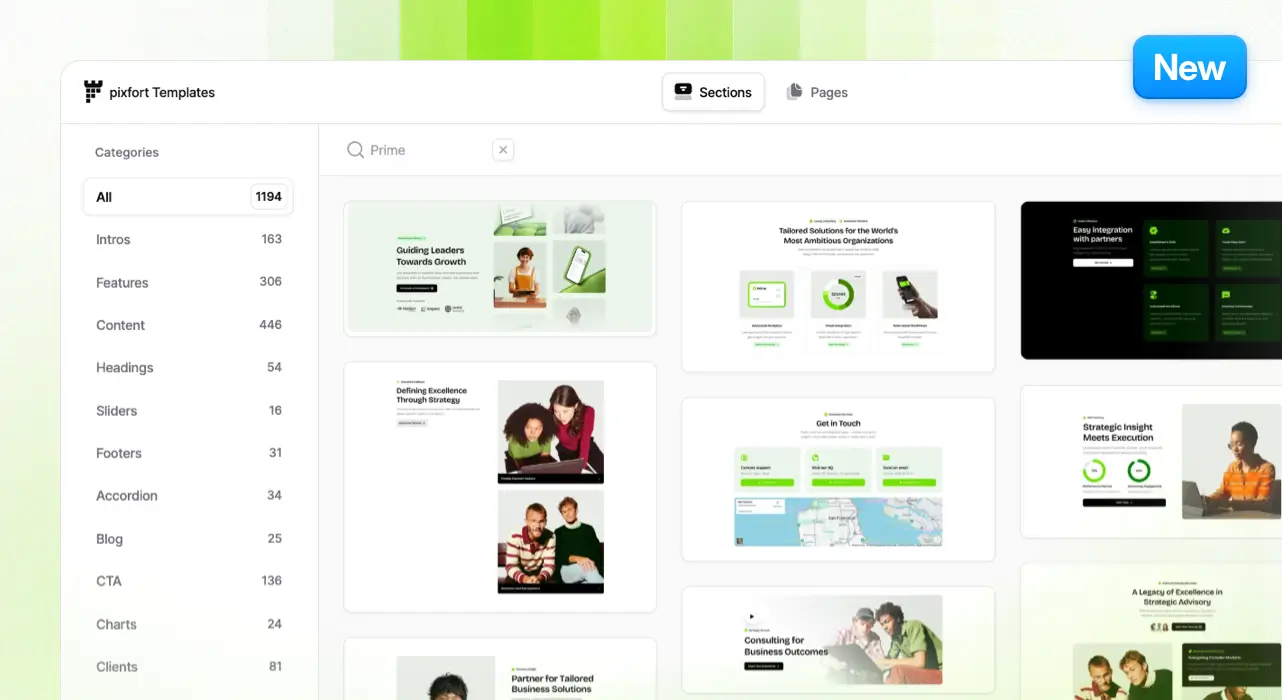
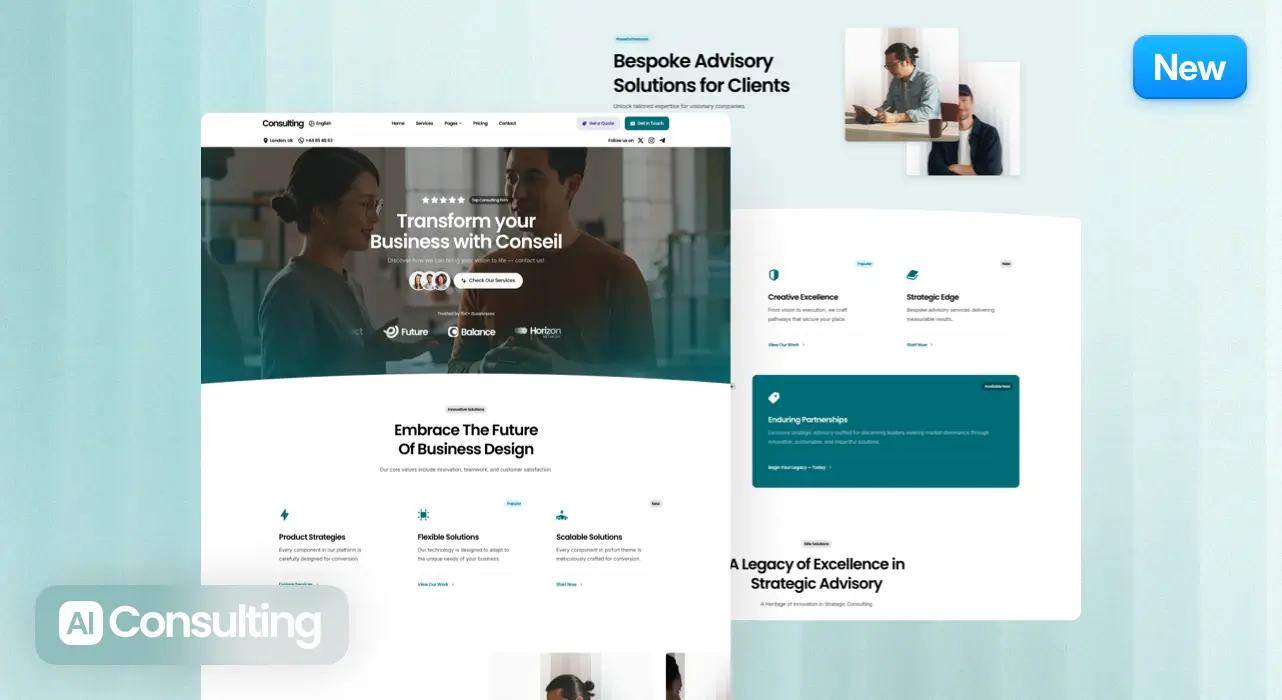
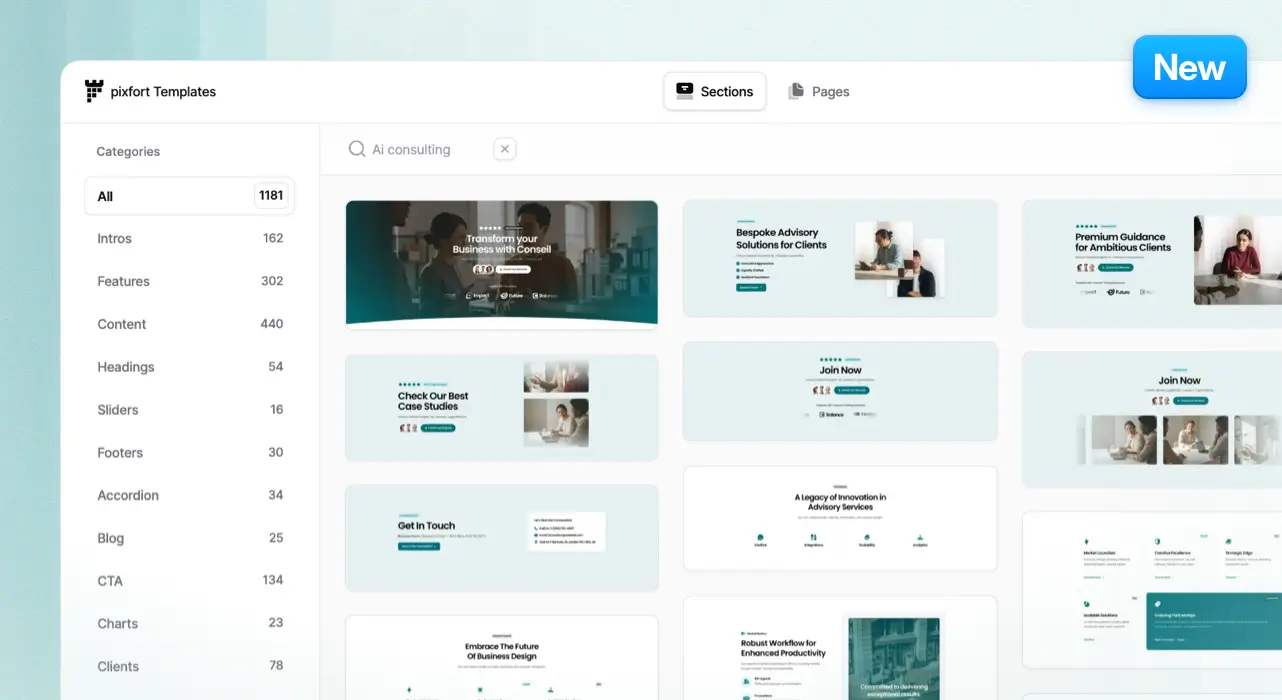
65+ New Library Templates

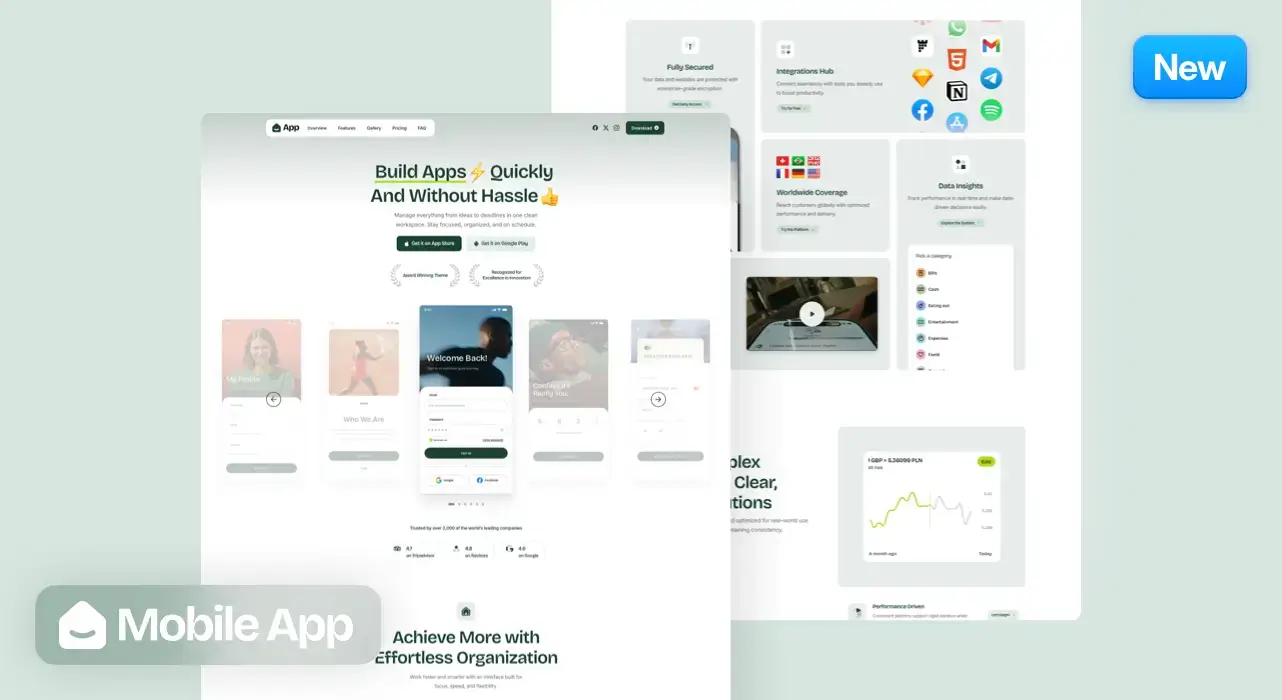
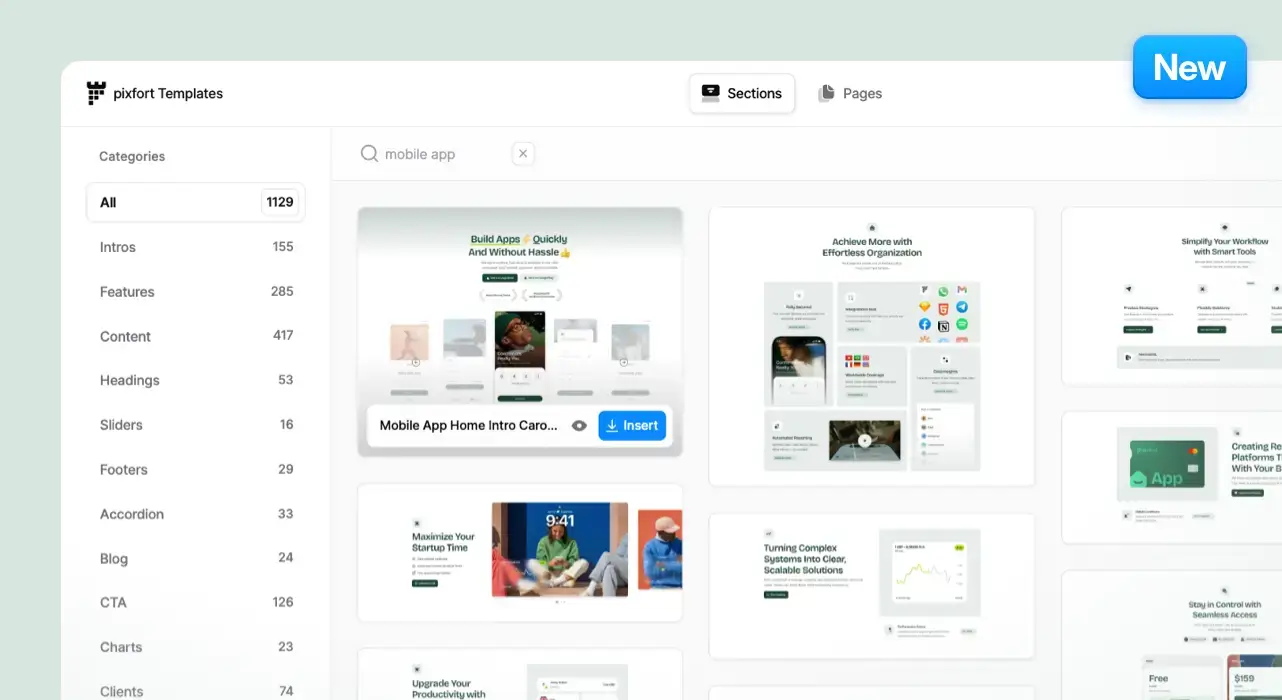
A huge new collection of 65+ professionally designed templates, perfectly organized and easy to use. Import them to any project in just one click and start customizing instantly.

Image link

Advanced Theme Builder Templates

This demo fully leverages the latest Theme Builder features, offering a custom Blog Page Template, a custom Post Layout, and custom Archive and Search Results Pages. Together, these unlock a whole new level of creative freedom and give you complete control over your website’s design and structure.

Image link

Added

  • Internal Link Option for Dynamic Tags in Elementor

  • Responsive Image Size option for the Marquee element

  • Video Element 9:16 aspect ratio support

  • Added Framer and Steam icons

  • New Law Firm Header Layout in Demo Import

Fixed

  • Vertical tabs content color
  • Marquee styling adjustment in RTL mode
  • Minor bug fixes

New Update

5 November 2025

Introducing the pixfort Theme Roadmap ✨

Image link

We’re excited to introduce the pixfort Theme Roadmap — a new space to explore what’s next for the pixfort WordPress theme. Discover the upcoming features we’re actively working on, those planned for future releases, and new ideas we’re currently exploring. Get a transparent view of our progress and help shape the future of the pixfort Theme with your feedback.

Check pixfort Theme Roadmap →

Version 1.6.0

15 October 2025

New Theme Builder Page Templates

Build your own custom templates for Posts, Pages, Archives, and Search Results directly inside the Theme Builder.

Image link

Now, you can easily design unique layouts for every type of content — from a beautifully crafted post page to a personalized search results layout or a custom archive for your post categories. The possibilities are endless.

Image link

We’ve prepared a comprehensive guide to help you get started with page templates:
Read the Page Templates Guide →

New Display Conditions

We’ve introduced even more advanced Display Conditions, including Post Child Category and Archive Category options.

Image link

Unlock Limitless Possibilities

You can build fully custom, dynamic page layouts that perfectly adapt to your website’s needs — no coding required.

Image link

New Dynamic Page Template Elements

We’ve added powerful new elements to help you build smarter, more content-aware templates:

  • Post Content
  • Post Excerpt
  • Post Comments
  • Author Box
  • Post Categories & Tags
  • Post Navigation
  • Archive Posts

These elements bring true dynamic design capabilities to your templates.

Image link

New Social Share Button Element

Make it easy for visitors to share your content with the all-new Social Share Buttons element — beautifully designed and fully customizable to match your website’s style.

Image link

Added

  • Blog Offset option in the Blog element
  • Blog element option to display related posts
  • Updated translation files

Fixed

  • WooCommerce Single product box background color in Dark mode.
  • Minor bug fixes

Version 1.5.0

18 September 2025

Create Custom Intros

Take full control of your page entrances with custom intros built directly in the page builder. Now you can design unique, tailored intros for specific pages.

Image link

Intro Display Conditions

Seamlessly manage how and where your intros appear on your website.

Image link

Unlock Limitless Possibilities

Push your creativity further with advanced customization options.

Image link

We’ve prepared a comprehensive guide to help you get started with Custom Intros:
Read the Custom Intros Guide →

Dynamic Tags

Supercharge your website with powerful Dynamic Tags. Pull in real-time content like titles, dates, featured image, and more — giving you the flexibility to create smarter, personalized experiences.

Image link

We’ve prepared a quick short article to help you get started with Dynamic Tags:
Read the Dynamic Tags Guide →

Breadcrumbs Element

Now you can add breadcrumbs directly to any part of your page, opening new possibilities to build unique layouts that adapt to your needs without being tied to a fixed structure.

Image link

Added

  • Advanced Blog post options to disable post Thumbnail, Author, Date or Categories via the Theme options
  • Updated translation files

Fixed

  • Marquee justify icon center
  • Nested WooCommerce Categories widget styling
  • Check for WordPress user manage options role in Admin options Ajax requests
  • Minor bug fixes

Version 1.4.1

28 August 2025

New Vertical Marquee Option

You can now enable vertical marquee directly in the Marquee element to create vertical scrolling effects. See Some Examples

Image link

Change Direction on Scroll

Automatically reverse marquee direction as users scroll.

Image link

Smooth Velocity Option

Adds extra speed to the marquee based on the user’s scroll speed.

Image link

Added

  • Make marquees static by setting the speed to zero
  • Set a custom responsive height for the vertical marquee
  • Custom Mobile header area scroll background color options
  • Updated WooCommerce template files

Fixed

  • Menu underline colors
  • Default Mega menu position with content width scroll header
  • Footer display with enabled Elementor Maintenance mode
  • Minor bug fixes

Version 1.4.0

12 August 2025

New Launch Demo

A modern, vibrant one-page demo featuring a clean, conversion-focused design — perfect for launching your next product or idea. The Launch Demo also fully supports dark mode for a seamless visual experience.

Image link

Key highlights include:

  • Unique Minimal Header Layout with blur background effect on scroll
  • Fully integrated Dark Mode system
  • Theme Switcher to toggle between light and dark modes
  • Popup Launcher with contact form

15+ New Library Templates

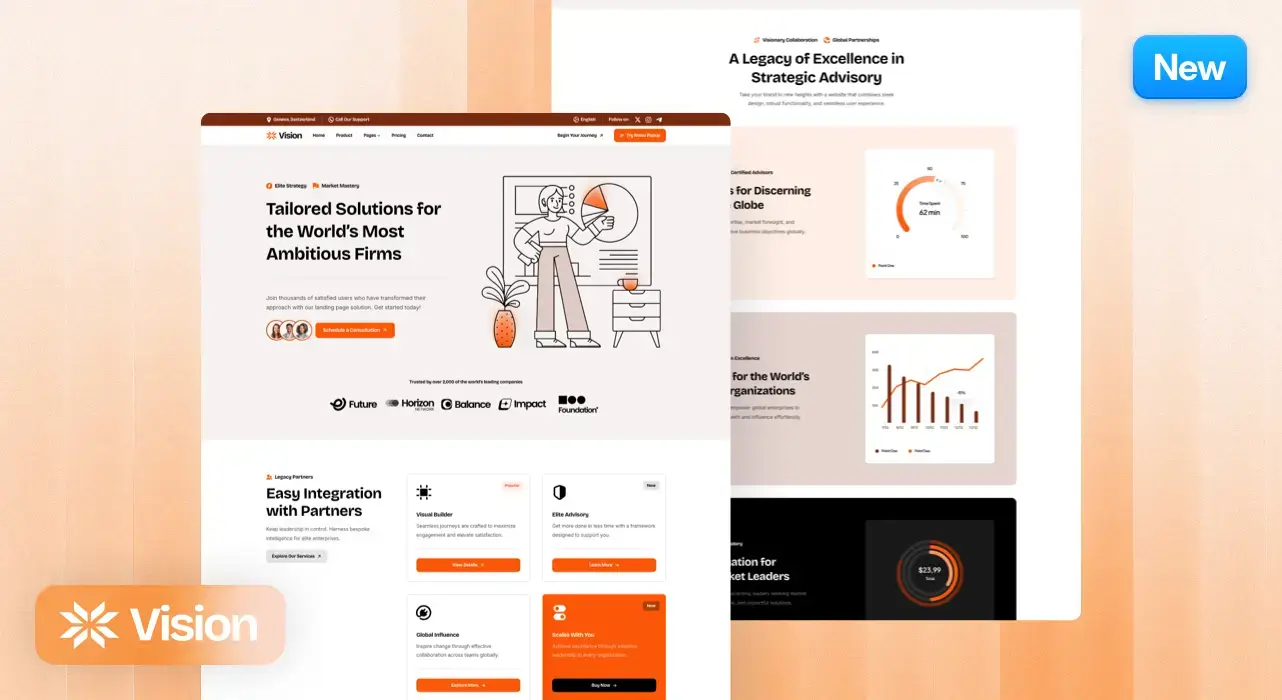
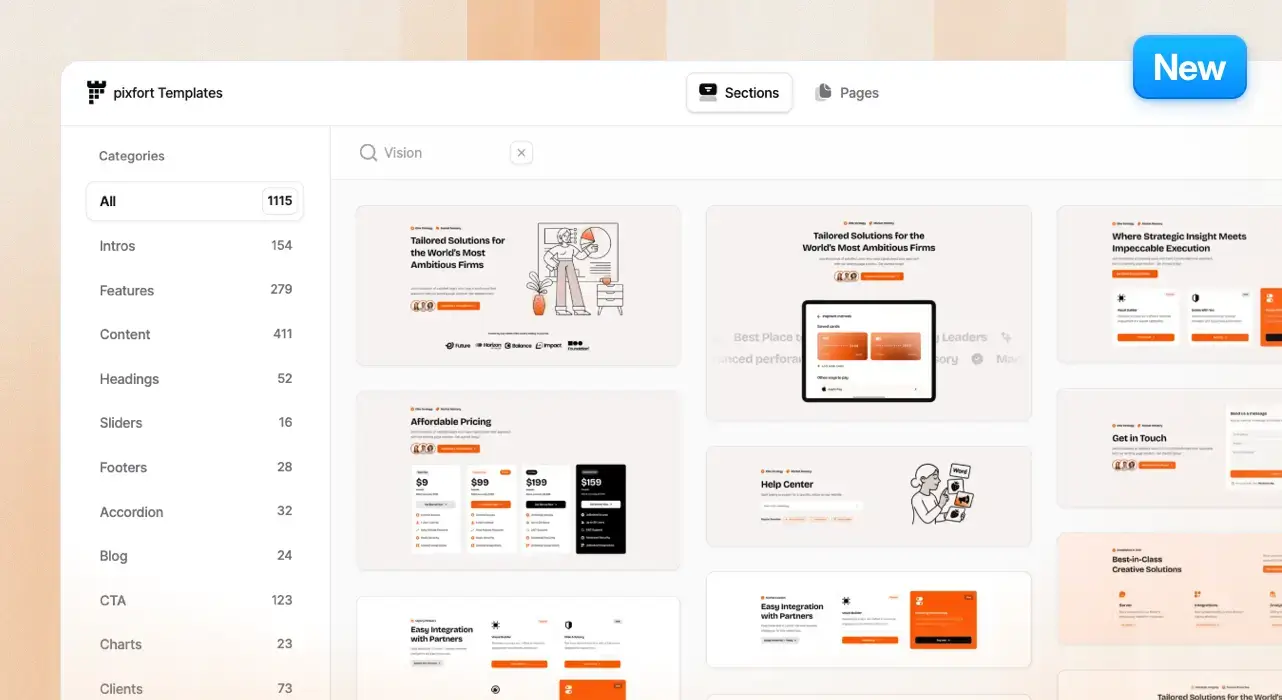
Expand your design possibilities with a collection of 15+ professionally crafted, ready-to-use templates to speed up your workflow and inspire your next project.

Image link

Added

  • Menu Box advanced text color options (Title, Text and Button Colors)
  • Feature list element Typography options
  • New Launch Header Layout in Demo Import

Fixed

  • Display default Intro image after deleting the custom Intro Background image
  • Display Popup custom launcher image preview in the Popup options
  • Minor bug fixes

Version 1.3.1

02 August 2025

New Icon Style: Solid

Introducing over 2,000+ beautiful solid icons — now available in the pixfort Theme! This update brings the total to 6,000+ icons and counting, giving you more creative flexibility than ever before.

Image link

Switch Icon Styles on the Fly

Easily toggle between Line, Duotone, and Solid icon styles directly within supported elements. Enjoy seamless customization across your design.

Image link

Added

  • Performance and usability improvements to support this upgrade and enhance your workflow
  • Updated Google Fonts list to add new fonts
  • Dynamic Blur Background option to the Header Columns

Fixed

  • Custom Page Intro Background image
  • Blog title custom color
  • Video placeholder image
  • Intro Breadcrumbs category in the Category archive page
  • Minor bug fixes.

Version 1.3.0

08 July 2025

New Prism Demo

A modern, vibrant demo featuring beautiful gradients and a striking, creative aesthetic — perfect for showcasing your brand with energy and style. The Prism Demo also fully supports dark mode for a seamless visual experience.

Image link

Key highlights include:

  • Unique Header Layout with dynamic width animation on scroll
  • Fully integrated Dark Mode system
  • Theme Switcher to toggle between light and dark modes
  • Popup Launcher for social links

28+ New Library Templates

Image link

Added

  • Added new header layout in the Demo Import tab
  • Added Title typography styling option to 3D Box element
  • Sliding Text element now accepts line break element <br/>

Fixed

  • Chart element colors in Dark mode.
  • Minor bug fixes.

Version 1.2.0

23 June 2025

Dark Mode is Here!

Deliver a stunning visual experience with the fully integrated Dark Mode — effortlessly adaptive, beautifully engineered, and fully customizable.

Image link

Key highlights include:

  • Fully integrated dark mode system
  • Built-in theme switcher to toggle between light and dark modes
  • Robust dynamic color system
  • Dynamic images support for seamless visuals across modes
  • Live dark mode preview inside Elementor and the Header Builder
  • Add custom colors option

New Dark Demo

A professionally crafted Dark demo showcasing the new dark mode feature.

Image link

50+ New Library Templates

Image link

Added

  • Option to select menu dropdown text colors
  • Option to select intro section text colors
  • Container Divider layers opacity option.

Fixed

  • Handle Countdown element date for more than one year.
  • Make sure that Footer display conditions are not modified after Elementor save.
  • Minor bug fixes.

Version 1.1.0

29 May 2025

A Brand-New Startup Demo

Image link

Crafted with a clean, modern aesthetic and custom artistic visuals, the new Startup Demo is designed to help startups and companies showcase their mission with clarity and elegance.

Key highlights include:

  • ✨ Unique Header Layout with dynamic width animation on scroll
  • 🚀 Popup Launcher for instant user actions   
  • 🎨 Immersive, custom visuals that blend beauty with function
  • 💼  Optimized for startup and company websites focused on storytelling and growth

40+ New Library Templates

Image link

Added

  • Custom post types for display conditions in the Theme Builder.
  • Shadow option for the Accordion Element
  • Responsive Minimum height option for for the Photo Box and Promo Box Elements.

Fixed

  • Enhanced Popups display to prevent duplicated launchers when using WPML plugin.
  • Empty Media in Elementor elements check when using WPML plugin.
  • Minor bug fixes.

Version 1.0.0

8 May 2025

Initial Release

Introducing the pixfort Theme — The most advanced WordPress theme we’ve ever made. It comes packed with pixel-perfect templates and robust elements, all crafted for speed, flexibility, and design precision. Built to elevate your workflow, the pixfort Theme offers a seamless editing experience and everything you need to launch beautiful websites.

Image link

Get our latest updates and discounts by joining our newsletter.

By signing up you agree to our privacy policy

Search

Start typing to search for a specific article on our website

Made with Popup Builder
Image link
Hey there

Search for a specific article

Get started

Check useful guides to get started

Still need Help?

Send us a support message

Our usual reply time: 1 Business day