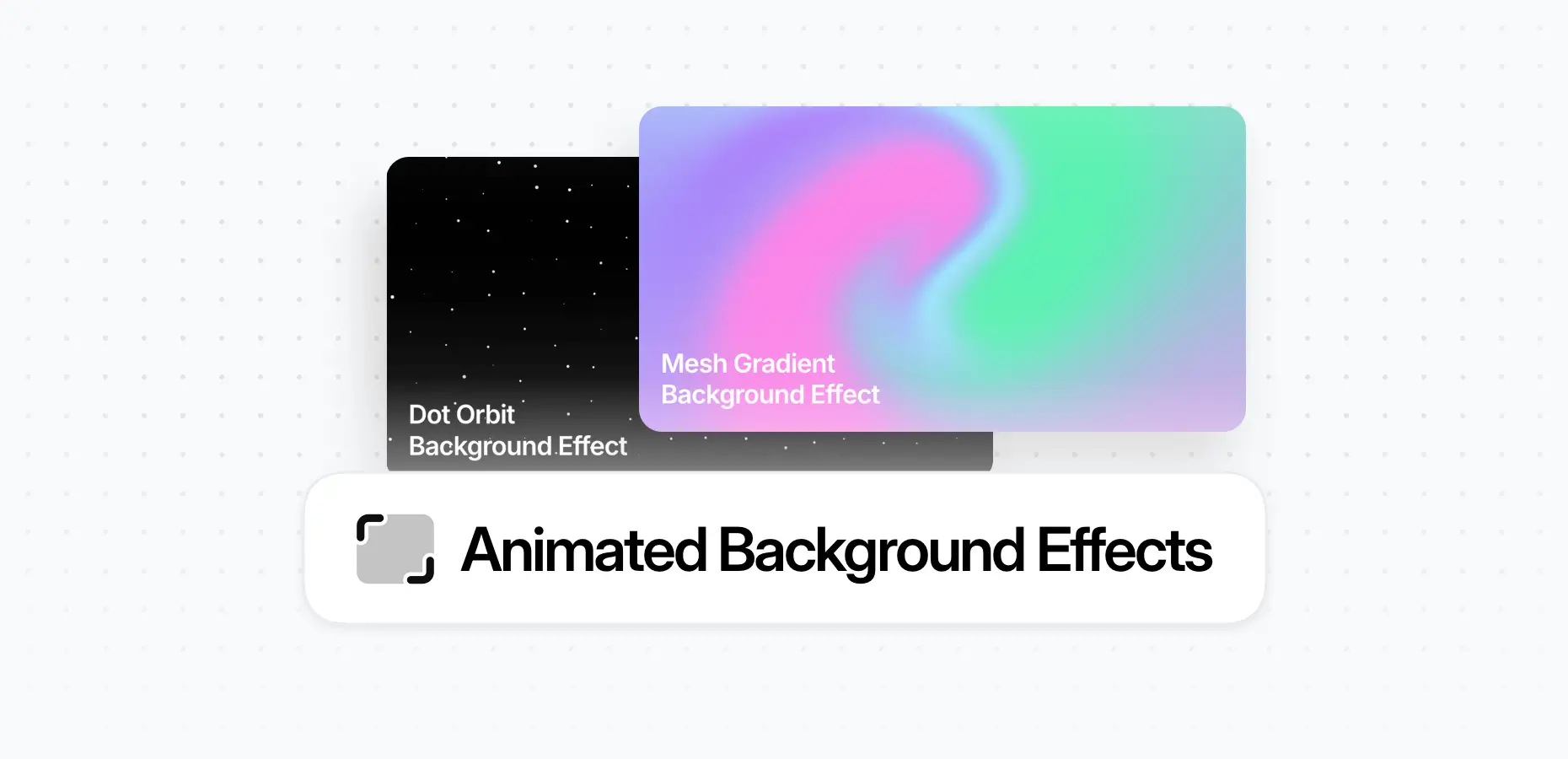

The Animated Background Effects feature allows you to add dynamic and visually engaging backgrounds to your layouts. With just a few clicks, you can apply smooth animated effects to any container, helping you create more modern and interactive sections on your website.
These effects run in the background of your content, enhancing the visual experience without affecting the layout of the elements inside the container.
How to Add Animated Background Effects
Animated background effects can be applied to any Container in the Elementor editor.
To add an effect:
- Select the Container in the Elementor editor
- Open the Container Settings
- Go to the Effects tab
- Choose the Animated Background Effect you want to use
- Customize the available settings
Depending on the effect, you can adjust different parameters such as:
- Animation speed
- Colors
- Intensity
- Other visual properties specific to the selected effect
This allows you to easily match the background animation to your design and brand style.
Example of Adding Animated Background
In the video below, you’ll see how to quickly add an animated background effect to a container and customize its settings directly inside Elementor.
Container > Effects >Background Effect