Creating a portfolio item page is simple. First, choose one of the included portfolio item layouts, then edit the content of your portfolio item page.
1
Add a New Portfolio Item
You can add a new portfolio item from WordPress > Portfolio > Add New Portfolio Item.
2
Choose a Portfolio Item Layout
The theme includes several portfolio item layouts:
Default Portfolio Item Layout
Portfolio Item Page with Sidebar
Full Width Portfolio Item Page
Intro Box Portfolio Item Layout
To set the default portfolio item layout for your entire website: Go to Theme Options > Portfolio > Portfolio Item Layout
Theme Options > Portfolio > Portfolio Item Layout
If you want to use a different layout for a specific portfolio item, you can override the global layout: Open the portfolio item in edit mode and select the custom layout of your choice.
Edit Portfolio Item
Edit Portfolio Item > Custom Layout
3
Edit Portfolio Item Page Content
Each portfolio item page includes:
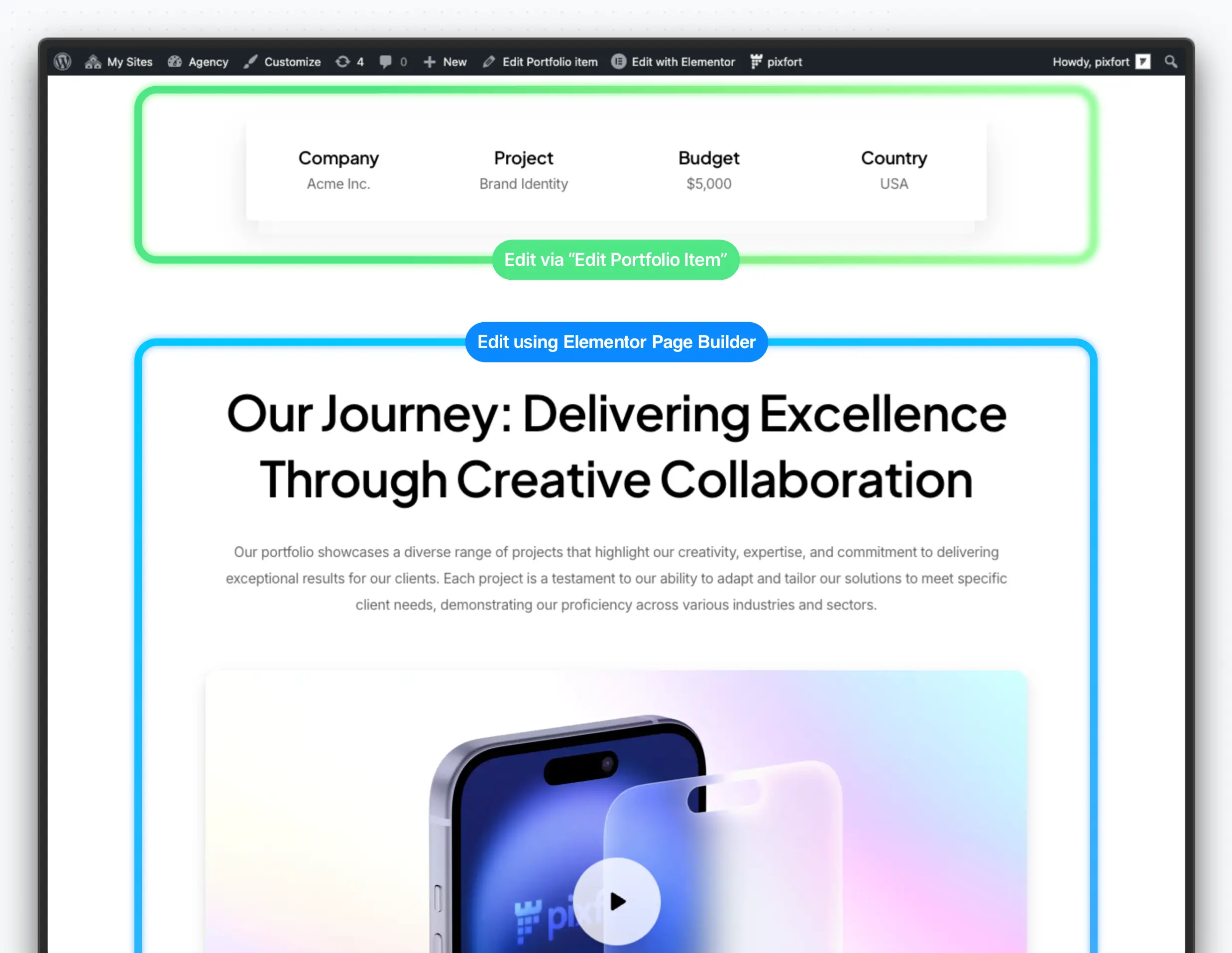
A Fixed Area (Green area in the example) that contains the Portfolio Text and Highlights Box, which you can edit from the Edit Portfolio Item screen.
A Customizable Area (Blue area in the example) that can be edited using Elementor Page Builder.
Default Portfolio Item Layout
To edit the content of the Fixed Area, click Edit Portfolio Item and customize the Portfolio Text and Highlights content depending on your needs. For example:
Edit Portfolio Text and Highlights
To edit the content of the Customizable Area, clickEdit with Elementor and add any content you like — such as image sliders, text blocks, features, accordions, and more.
Edit Portfolio Item Page with Elementor page builder
Import Premade Portfolio Items
You can import premade portfolio items from the Demo Import page.
pixfort > Demo Import
Good to know
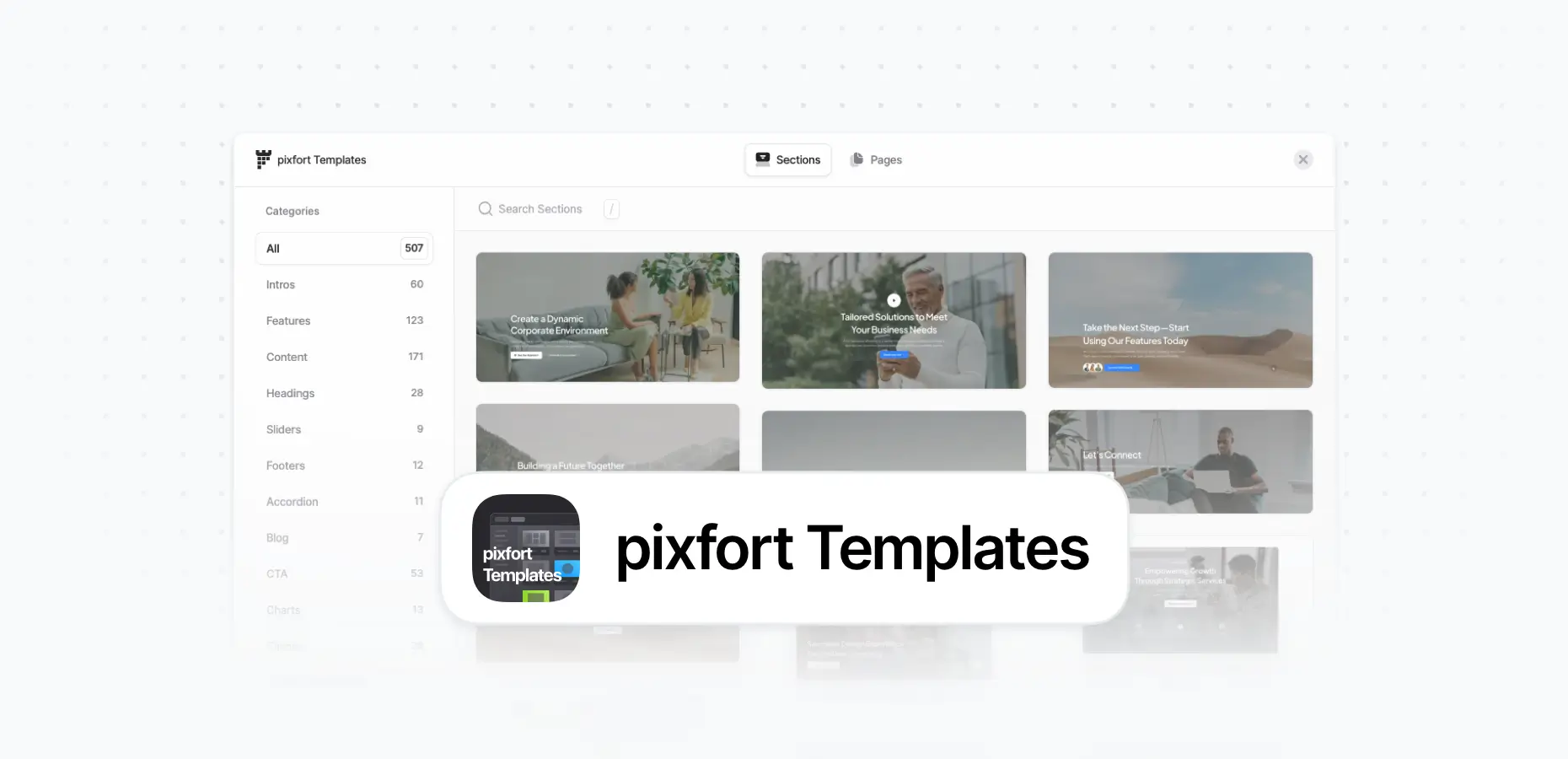
You can also import premade templates directly in Elementor using the pixfort Templates
The pixfort WordPress Theme includes pixfort Templates, a large collection of all the available sections and pages in the theme—accessible directly inside the Elementor Page Builder. pixfort Templates is very easy to use, and you can insert any template with...
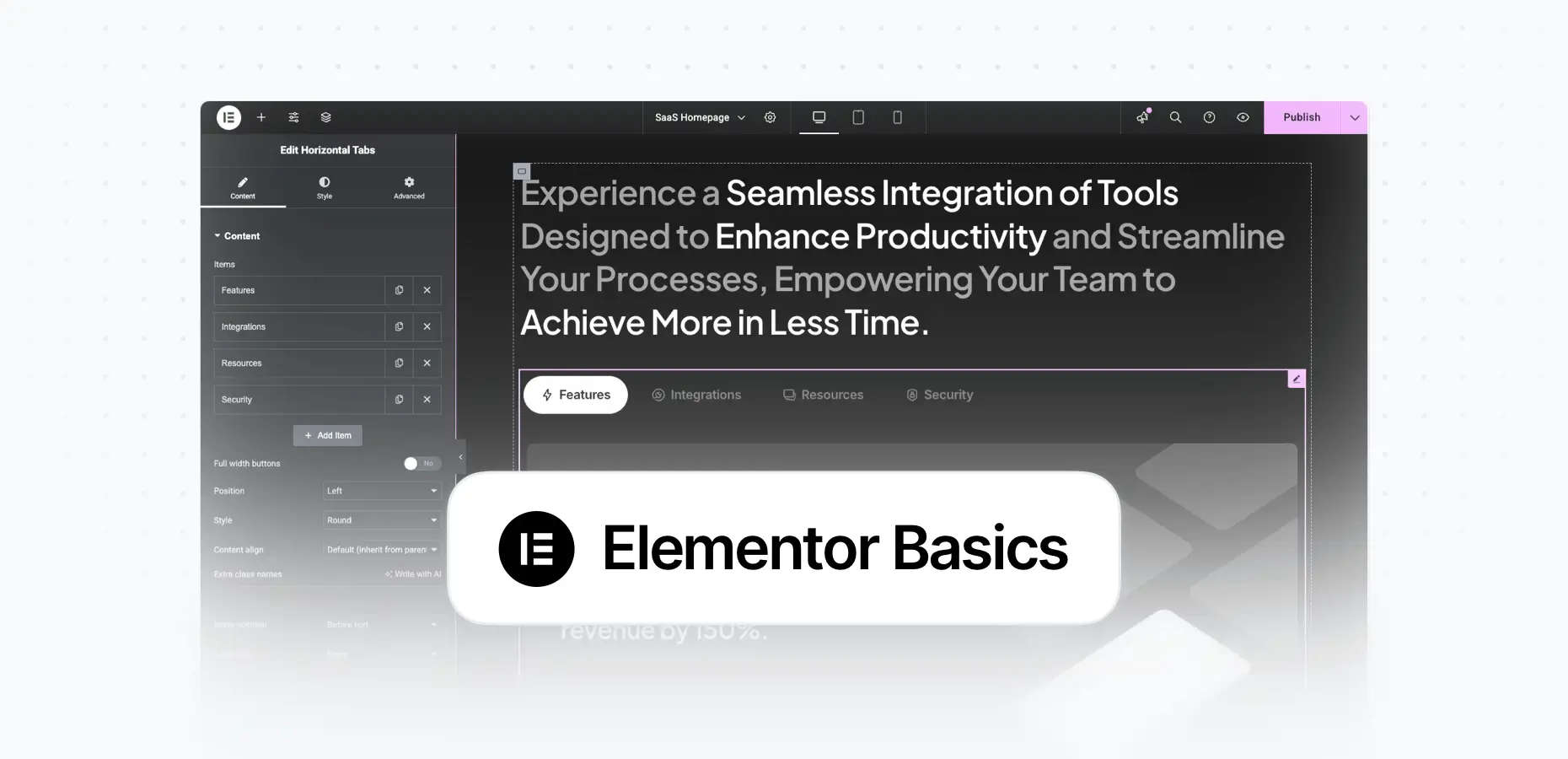
Take the first step in your journey to becoming a professional web creator. This course covers the essentials of working with Elementor page builder and build a complete website from scratch. Watch the full Getting Started with Elementor course here:...
WooCommerce is the most popular eCommerce plugin for WordPress. It’s free and compatible with the pixfort WordPress Theme. WooCommerce Plugin Installation & Setup To add a shop to your website, first install the WooCommerce plugin:WordPress Admin Panel > Plugins >...