
Sticky Content Example
Sticky Container
Container
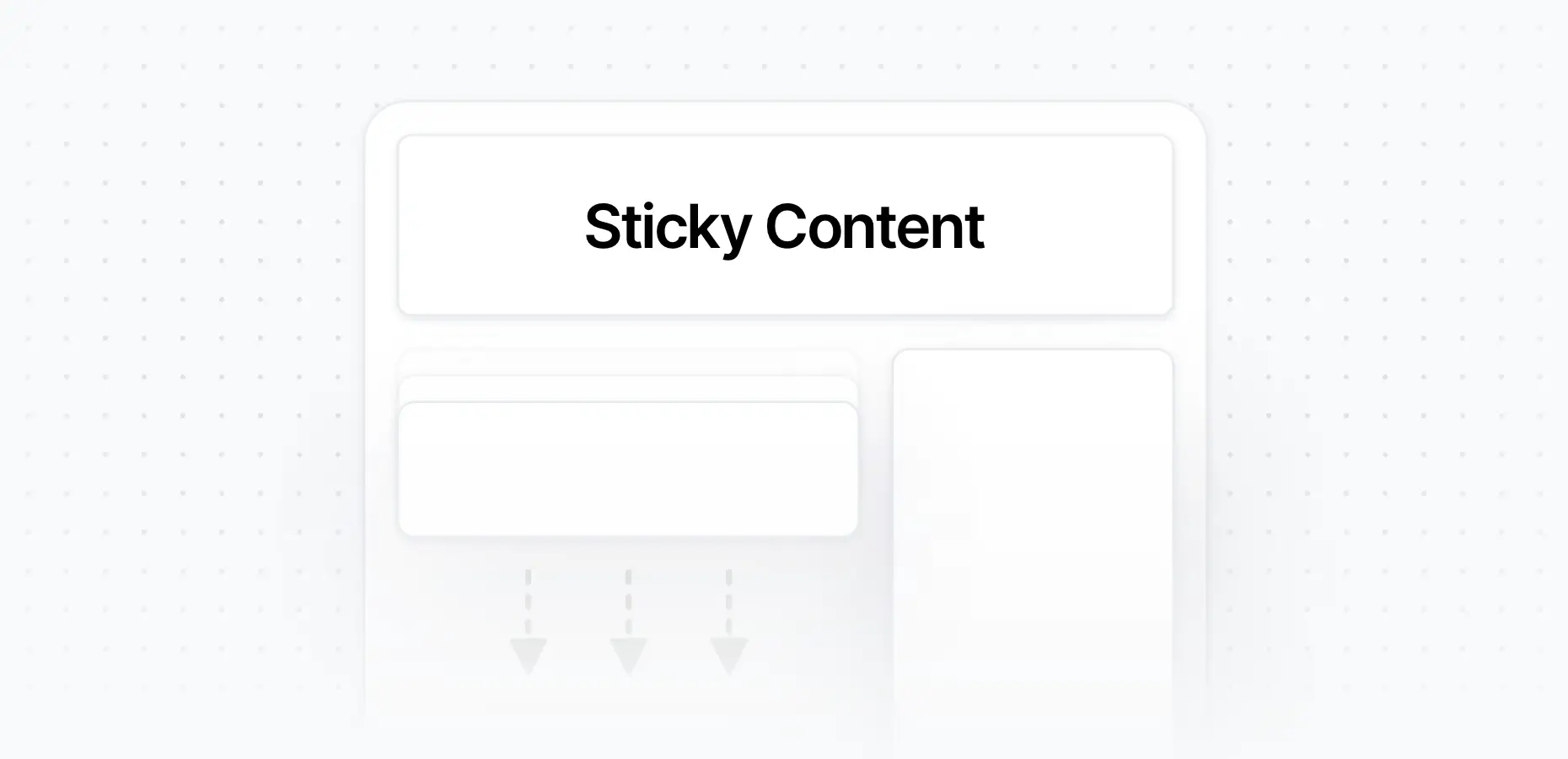
To make content sticky in Elementor using the Flexbox Container structure, follow these steps:
- Create a Flexbox Container with two nested containers
- Place the content you want to make sticky inside one of the nested containers
- Open the nested Container Settings
- Go to the pixfort Options tab and enable Sticky Box on the Top
Elementor > Make Container Sticky
Important Notes
- Make sure the parent container has an appropriate Align Items value (e.g. start), or set the Align Self value for the sticky container. Avoid using stretch, as it forces both containers to have equal height, which prevents the sticky effect from working.
- The other container in the row must contain content that is taller than the sticky container. Otherwise, there won’t be enough space for the sticky behavior to take effect.
The sticky effect only applies on Desktop and Tablet viewports.