
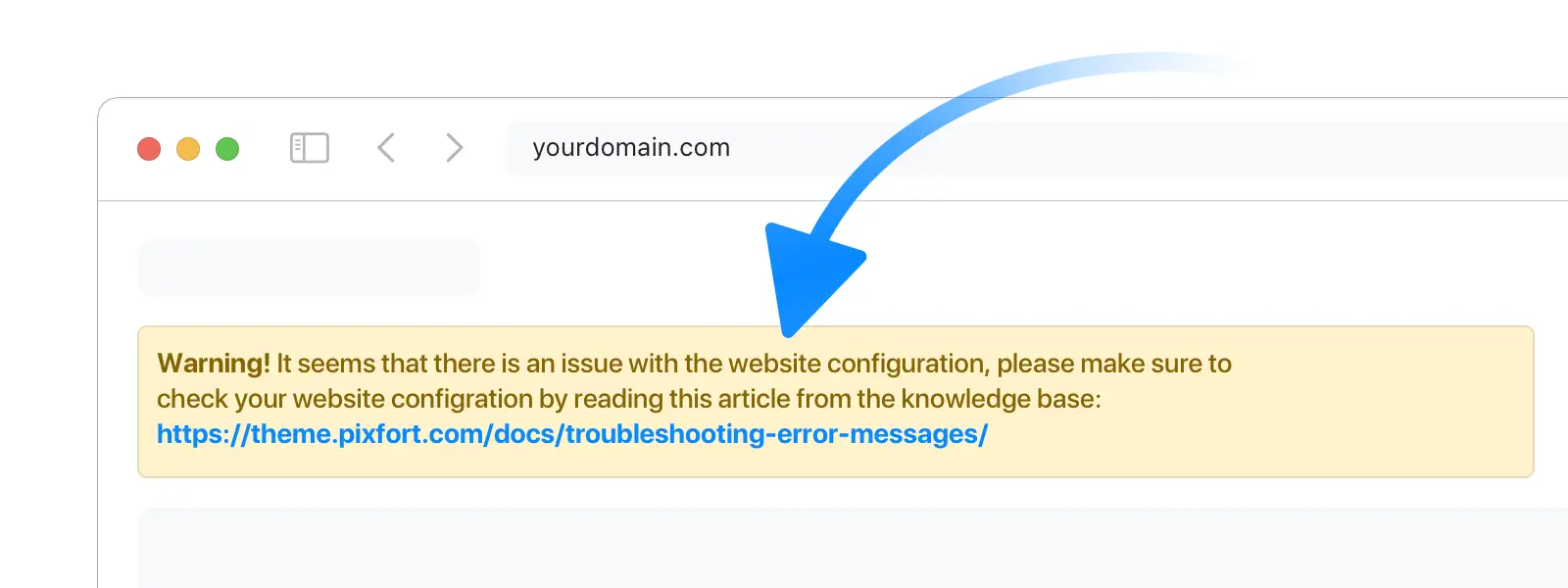
If you see the following error banner “It seems that there is an issue with the website configuration”
Follow these steps to solve the issue:
1
Update pixfort Theme and pixfort Core Plugin
Make sure that the Theme and pixfort core plugin are updated to the latest version.
Need help updating the theme? See: How to update pixfort theme
How to Update pixfort Theme
2
Check License Activation
If the site was migrated from an old staging domain, or the website domain was changed, without disconnecting the site before the migration/change, ensure that the theme is activated correctly on the new domain by the following steps:
- Disconnect the theme from:
WordPress Admin Panel › pixfort › Dashboard › Manage › Disconnect Site - Refresh the page.
- Activate the theme by clicking on the “Activate Theme” button.
3
Still Seeing The Error?
Contact us from your pixfort account and our team will investigate and get your site back up and running.