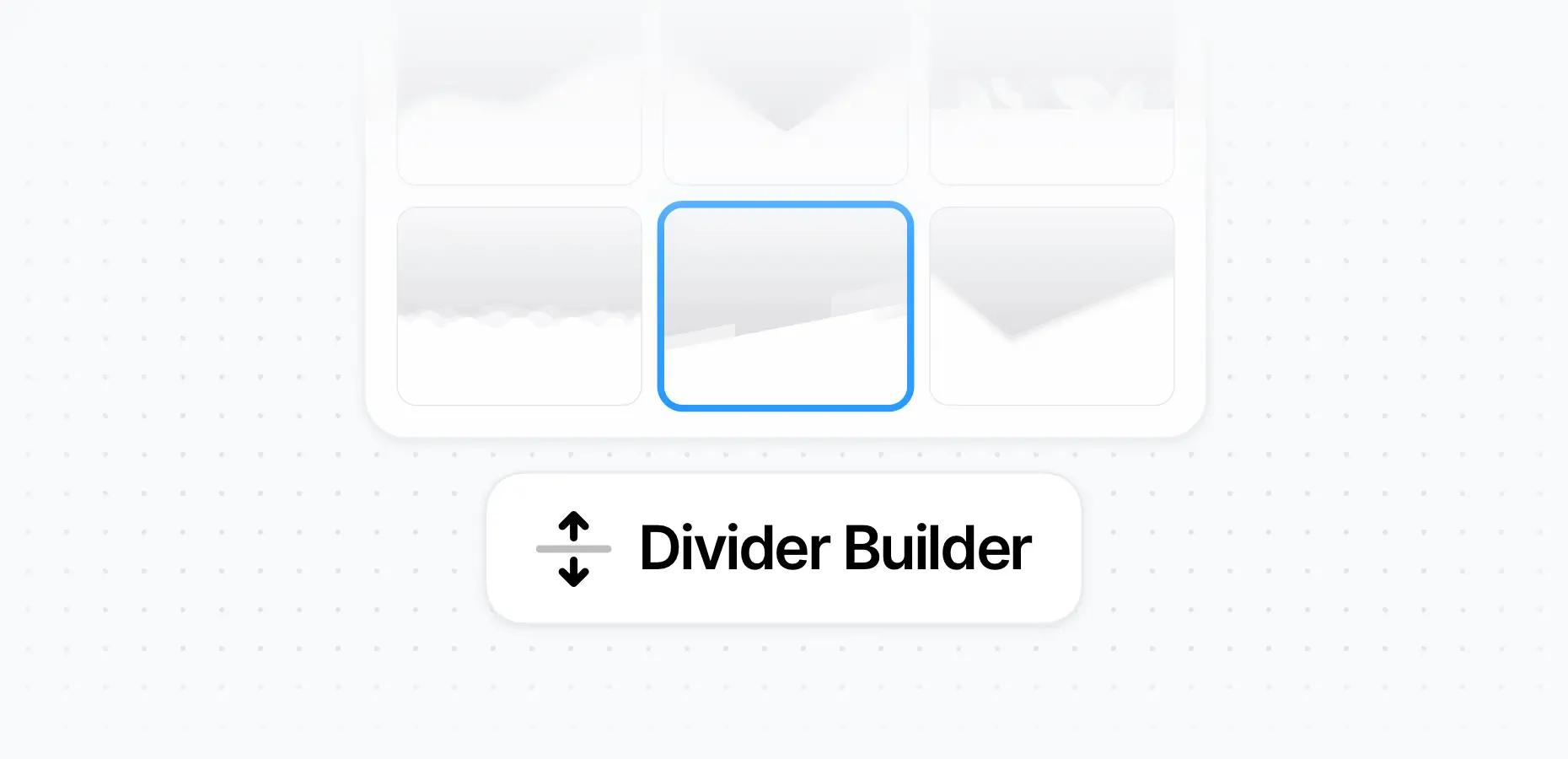

With the pixfort Divider Builder, you can create stunning top and bottom dividers in just a few clicks using Elementor.
Add Dividers to Containers in Elementor
You can add dividers to any Container using the built-in pixfort Dividers:
- Open the Container settings in Elementor.
- Go to the Top Dividers or Bottom Dividers tab.
- Choose your preferred divider layout.
- Customize the divider with options like number of layers, height, flip, colors, animation, and more.
Elementor > Container > Dividers
Good to know
You can also use the Dividers element from pixfort Elements, which provides the same divider options and can be placed anywhere in your layout.
Customize Divider in Intro Section
To change the divider shape in the Intro section (the top area with the page title and breadcrumbs), check out this article: