You can easily add tabs to your page in the pixfort WordPress Theme using Elementor. You can either import a premade Tabs template using pixfort Templates, or create fully custom Tabs using the Tabs element from pixfort Elements.
To create tabs in Elementor from scratch, follow the steps below:
How to Add Tabs
Drag the Tabs element from pixfort Elements (in the left sidebar) into your page.
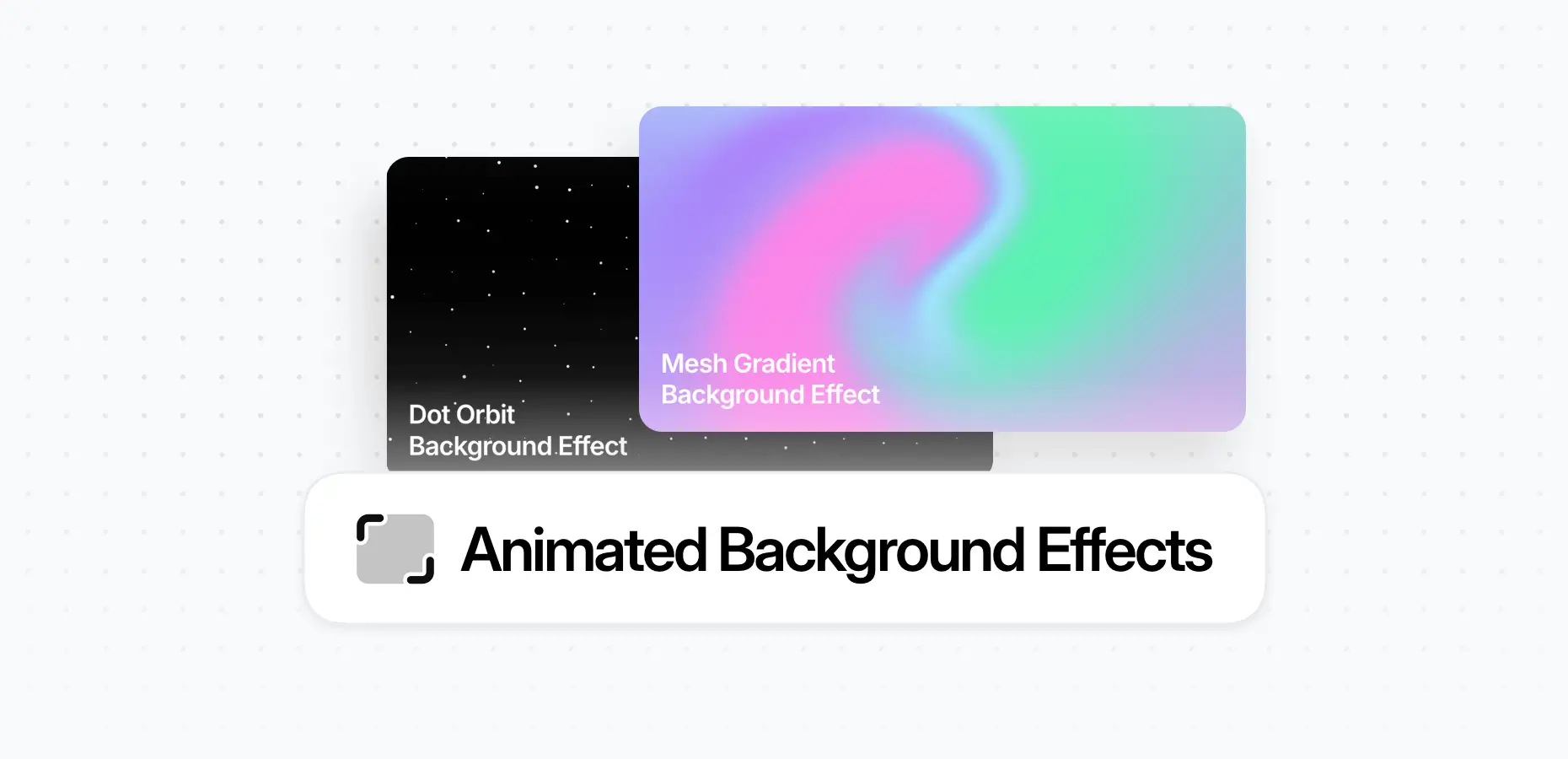
The Animated Background Effects feature allows you to add dynamic and visually engaging backgrounds to your layouts. With just a few clicks, you can apply smooth animated effects to any container, helping you create more modern and interactive sections on...
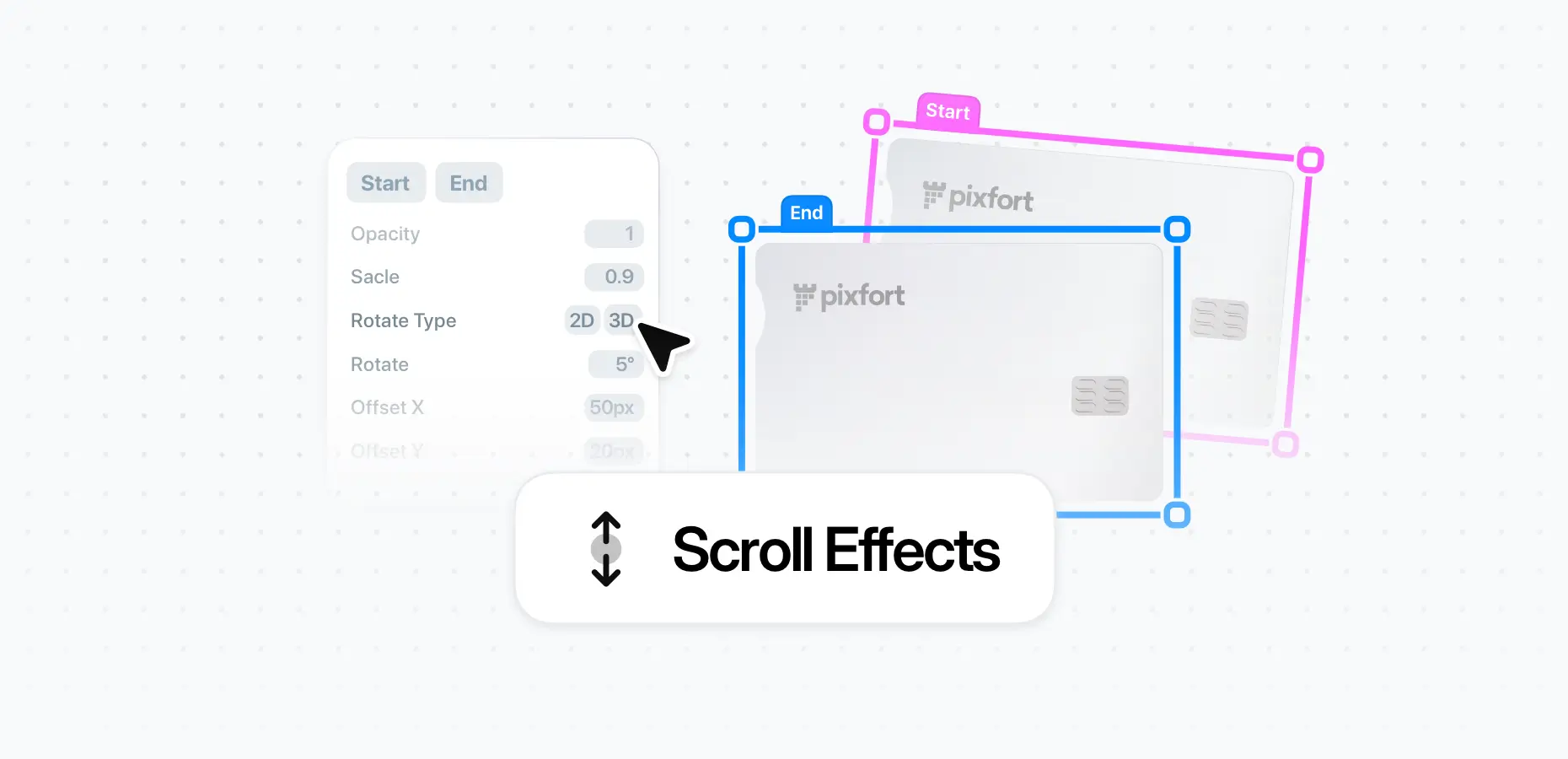
The Scroll Effects feature allows you to add smooth, scroll-based transitions to elements, bringing motion and interactivity to your layouts. Using dynamic transformations tied to scroll position, you can create more engaging and visually rich pages — directly inside the...
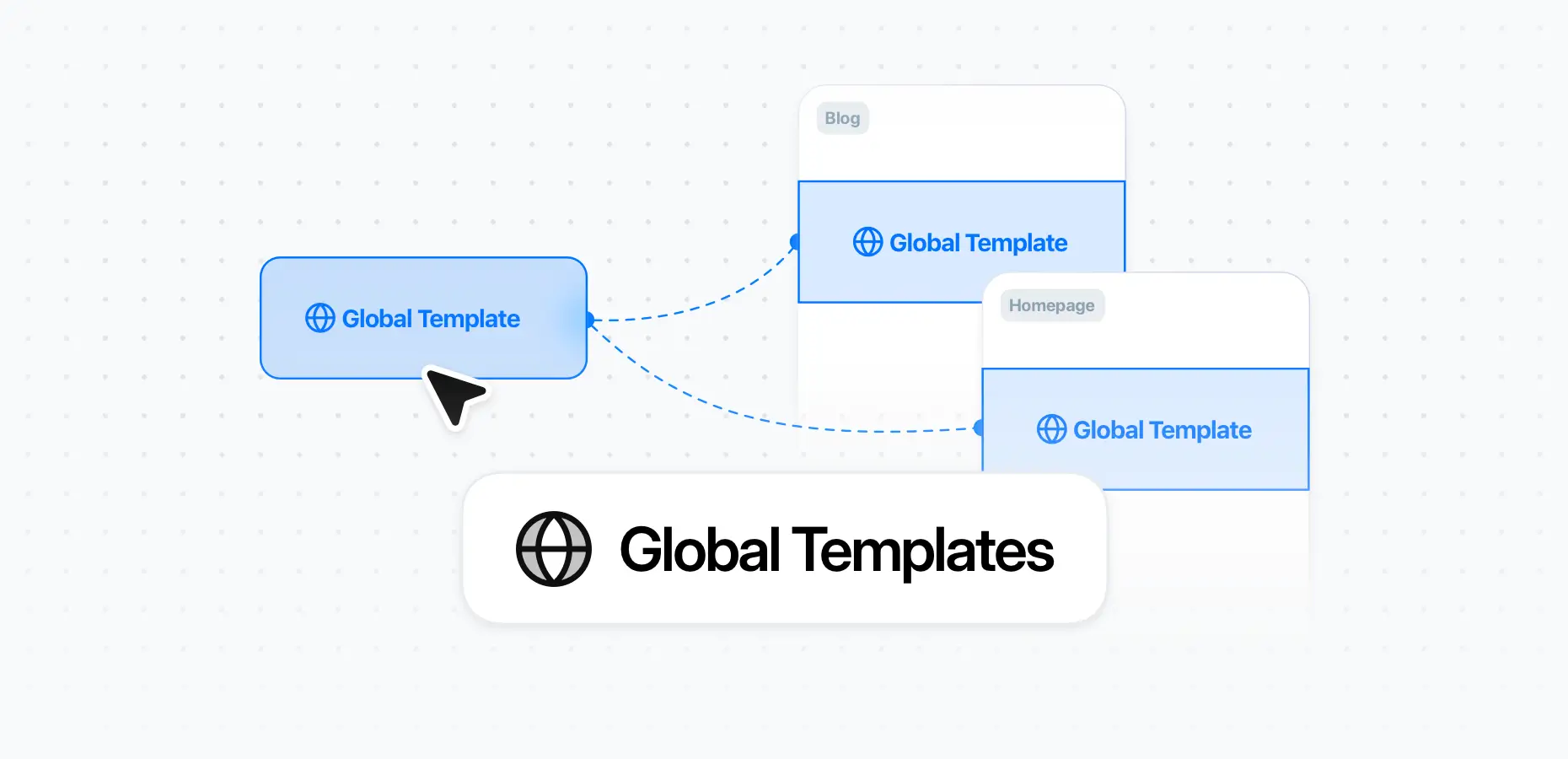
The Theme Builder in the pixfort theme supports creating Templates, a powerful feature that allows you to create reusable layout sections that can be used across multiple pages on your site. This helps you maintain consistency and update shared content...